
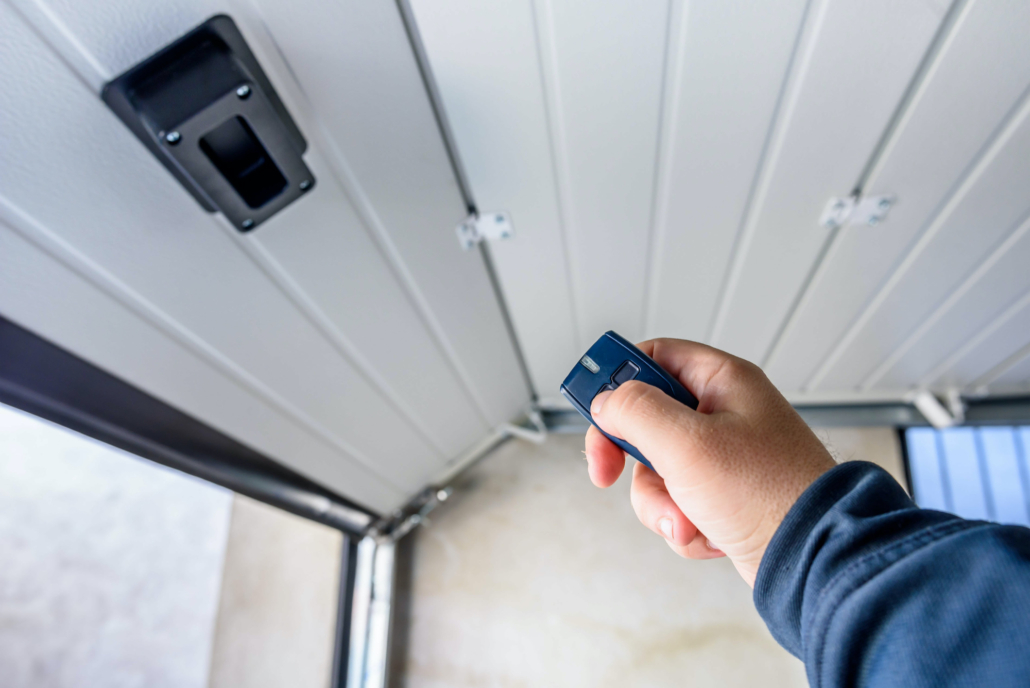
Programming a garage door opener can feel confusing at first — especially if you just replaced a remote, moved into a new home, or experienced a power outage reset. The good news is that most openers — whether from LiftMaster, Chamberlain, Genie, or Craftsman — follow the same core process and can be programmed in under 3 minutes.
Press the ‘Learn’ button on your motor unit until the LED flashes, then — within 30 seconds — press and hold your remote button until the light blinks again. That’s it. Keep reading for brand-specific steps, keypad setup, smart opener pairing, and troubleshooting.
In this guide you will find: numbered step-by-step instructions for remote, keypad, and smart opener setup; a brand comparison table; safety tips; and a full troubleshooting section for when things go wrong.
How Garage Door Openers Work?
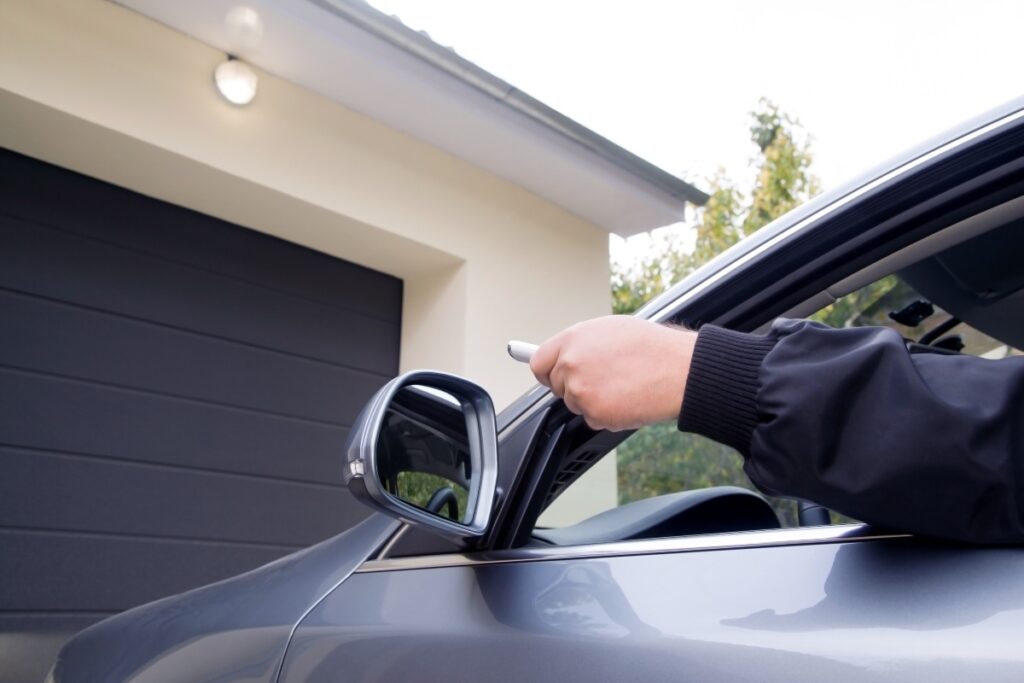
Understanding how a garage door opener works helps you troubleshoot problems and program it correctly. Here is a quick overview of the main components involved.
- A garage door opener uses an electric motor to move the door up or down automatically.
- The motor drives a trolley — a sliding carriage — that pulls or pushes the door along the rail..
- The trolley connects to a drive system: chain drive (affordable, louder), belt drive (quiet, smooth), or screw drive (low-maintenance).
- When the motor runs, the drive system moves the trolley along a ceiling-mounted track.
- The trolley arm is attached to the door, so as it travels along the track, it raises or lowers the door smoothly and safely..
What You Need Before Programming a Garage Door Opener?
Before you begin, gather the following items:
- A stable ladder (motor unit is ceiling-mounted)
- Your garage door remote or keypad
- Fresh batteries for the remote
- Your opener’s model number or manufacturer manual
⚠️ Safety note: Keep children away from the garage during programming. Never stand directly under a moving door.
Pro tip: The colour of the ‘Learn’ button tells you your opener’s radio frequency. Yellow = 390 MHz, Purple = 315 MHz, Red/Orange = 390 MHz, Green = 390 MHz. Matching this to your remote prevents failed pairings.
How To Program A Garage Door Remote?
Step 1: Locate the ‘Learn’ button on your motor unit (usually on the back panel or under the light cover).
Step 2: Press and release the ‘Learn’ button. The LED light will turn on — you now have 30 seconds.
Step 3: On your remote, press and hold the button you want to program.
Step 4: Hold until the motor unit lights flash or you hear two clicks — this confirms pairing.
Step 5: Test the remote by pressing it once to open or close the door.
If the door does not respond, clear the opener memory and repeat from Step 1
How to Program a Garage Door Keypad?
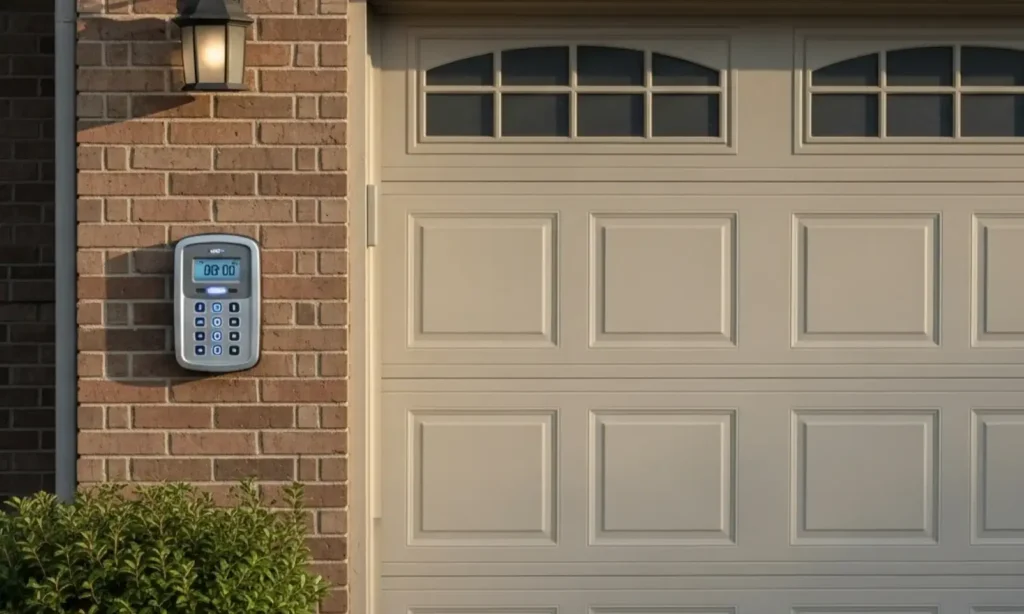
A wireless keypad lets you enter your garage without a remote — ideal if you lose your remote or want guest access. Follow these steps to pair it with your motor unit.
Locate and Activate the Learn Button
Activate Programming Mode: Press and release the ‘Learn’ button on your motor unit. The indicator LED will illuminate, giving you a 30-second pairing window.
Enter a New PIN on the Keypad
Enter Your PIN: Walk to the keypad and type in a 4-digit PIN of your choice. Choose a number that is easy for you to remember but not obvious (avoid 1234 or your birth year).
Confirm the Programming
Confirm Pairing: Press and hold the ENTER (or Send) button on the keypad for 3–5 seconds. When the motor unit lights flash twice, the pairing is complete. Test by entering your PIN and pressing Enter.
Brand Comparison – Garage Door Opener Programming Differences
Each brand places its ‘Learn’ button in a different location and may require slightly different timing. Use the table below to find your brand, then follow the brand-specific steps in the next section.
| Brand | Learn Button Location | LED Colour | Programming Time | Difficulty | App/Smart Feature |
| LiftMaster | Back/Side Panel | Yellow/Purple/Red (model-dependent) | 1–2 min | Easy | myQ Smart App |
| Chamberlain | Under Light Cover | Yellow | 1–2 min | Easy | myQ App (same platform as LiftMaster) |
| Genie | Front Panel | Blue/Green (Intellicode) | 2–3 min | Medium | Aladdin Connect App |
| Craftsman | Rear Panel | Purple/Orange | 2–4 min | Medium | AssureLink App |
How to Program Smart Garage Door Openers (WiFi & Apps)
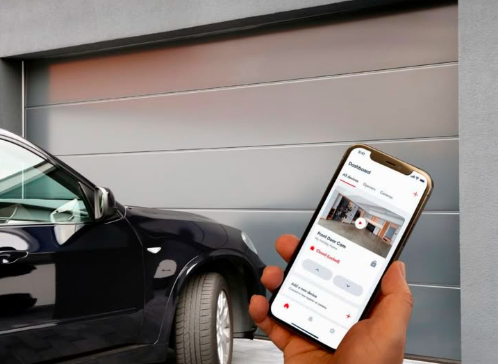
Smart garage door openers — like LiftMaster with myQ or Genie with Aladdin Connect — let you open, close, and monitor your door from anywhere using your smartphone. Here is how to set one up:
Step 1: Download the app for your brand (myQ for LiftMaster/Chamberlain, Aladdin Connect for Genie, AssureLink for Craftsman). Create an account and log in.
Step 2: Press the ‘Learn’ button on your motor unit to put it into pairing mode. In the app, tap ‘Add Device’ and follow the prompts to connect to your 2.4 GHz WiFi network (most openers do not support 5 GHz).
Step 3: Once connected, the app will confirm setup. You can now open or close the door remotely, set activity alerts, share access with family members, and integrate with Alexa or Google Home if supported.
Troubleshooting Garage Door Programming Issues
If your garage door opener is not responding or fails to pair, work through the checklist below in order. Most problems are solved by the third step.
Fix 1 — Replace Remote Batteries: Dead or weak batteries cause the majority of remote failures. Replace with fresh alkaline batteries and retry programming before trying anything else.
Fix 2 — Clear the Opener Memory: If the remote still does not pair, hold the ‘Learn’ button for 6–10 seconds (until the LED goes out) to erase all stored devices. Then reprogram from scratch.
Fix 3 — Check the Antenna Wire: The antenna wire must hang straight down from the motor unit — never coiled or tucked away. A damaged or coiled antenna can cut signal range by up to 80%.
Fix 4 — Remove LED Interference: Certain LED bulbs emit radio frequency noise that blocks 315–390 MHz signals. Replace the bulb in or near your opener with an incandescent or ‘garage door opener safe’ LED bulb (look for this label on the packaging).
Fix 5 — Check Safety Sensor Alignment: If the door reverses immediately after closing, the safety sensors (located near the floor on each side) may be misaligned. Adjust them until both indicator lights are solid (not blinking).
Pro Tips for Successful Programming
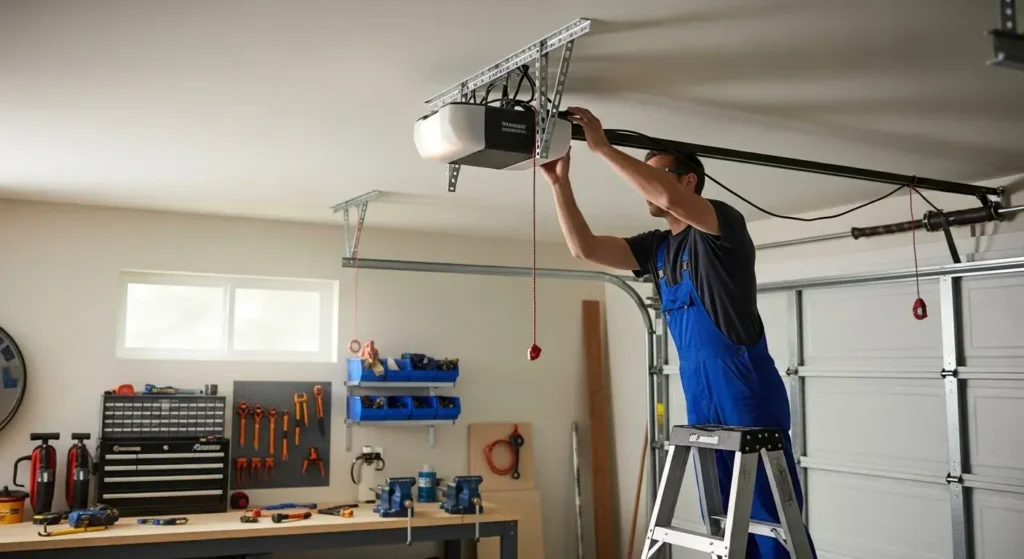
Follow these professional tips to program your opener on the first attempt and avoid the most common setup errors.
Check Compatibility
Check your opener’s model number (on the motor unit label) against the remote’s compatibility list. LiftMaster and Chamberlain remotes often cross-work; Genie remotes are brand-specific.
Fresh Batteries
Install new alkaline batteries (not rechargeable) before starting. Rechargeable batteries often deliver lower voltage, which weakens the signal during pairing.
Clear the Memory
If you are adding a new remote to an opener that has been used before, clear all stored devices first. This ensures clean programming and avoids ghost pairings from previous owners.
Get a Helper
Having another person assist you can make the process faster and easier. One person can operate the motor unit while the other handles the remote or keypad, especially when timing is important.
Disable Lock Mode
If your opener ignores all remotes, check whether Lock Mode is active. On most openers, press and hold the LOCK button on the wall panel for 2 seconds to toggle it off. The lock icon on the wall panel will disappear when deactivated.
Common Mistakes to Avoid
Even experienced DIYers make these mistakes. Knowing them in advance saves you from restarting the process multiple times.
Pressing the Wrong Button
The ‘Learn’ button is small and sometimes near other buttons. Holding it too long (6+ seconds) erases all memory instead of entering pairing mode. A short press (1–2 seconds) is what you need.
Missing the Time Window
After pressing Learn, you have exactly 30 seconds to press your remote. Have everything ready before pressing Learn so you do not waste the window.
Using an Incompatible Remote
Always verify the remote’s compatibility before purchasing. Universal remotes work with most brands but may require additional configuration. Cheap third-party remotes often have mismatched frequencies.
Ignoring Safety Features
Lock Mode, Travel Limits, and Force Settings can all block remote response. If the door does not move at all, check these in your opener’s settings or wall panel before blaming the remote.
Conclusion
Programming your garage door opener — whether it’s a basic remote, wireless keypad, or a WiFi-enabled smart opener from LiftMaster, Chamberlain, Genie, or Craftsman — is a task you can complete in under 5 minutes with the steps in this guide.
By keeping fresh batteries ready, clearing old memory, staying within the 30-second pairing window, and checking for Lock Mode, you eliminate the four most common failure points before they happen. If something still goes wrong, the troubleshooting section above has you covered.
Frequently Asked Questions
Can I program a garage door opener without a Learn button?
Yes — older openers (pre-1993) use DIP switches: a row of 8–12 tiny on/off switches inside the remote and motor unit. Match the switch positions on both units identically. Modern openers without a visible Learn button may use a smart hub or wall-panel programming mode — check your model’s manual for the exact button combination.
Why is my garage door opener not programming?
The five most common causes are: (1) dead or low batteries, (2) missing the 30-second pairing window, (3) Lock Mode active on the wall panel, (4) memory full — clear and retry, (5) incompatible remote frequency. Work through these in order to diagnose the problem quickly.
Why does my garage door opener light blink during programming?
A blinking LED during programming usually means the safety sensors (photo-eyes) are misaligned or obstructed. Check that both sensor units face each other directly and that no object is blocking the beam. The solid indicator light on each sensor confirms correct alignment. If the wire is damaged, the opener will not operate until it is replaced.
Can I run my garage door without sensors?
No — bypassing or disconnecting safety sensors is illegal in many jurisdictions and violates UL 325 safety standards, which require reverse sensors on all residential openers manufactured after 1993. If your sensors are faulty, replace them (they typically cost $20–$40) rather than bypassing them.
What happens if I press the Learn button too long?
Holding the Learn button for 6 seconds or more triggers a full memory wipe — all paired remotes and keypads are erased. A short press (1–2 seconds) activates pairing mode only. If you accidentally wiped the memory, reprogram each device individually starting with the primary remote.
Related Articles
Why Does My Bathroom Smell Like Sewage? Causes, Fixes & Prevention Tips
Wood Filler for Hardwood Floors: Your Complete Guide
Interior Basement Waterproofing: Complete Guide to a Dry & Safe Basement
How Long Does It Take to Do a Bathroom Renovation? Timelines, Phases & What to Expect